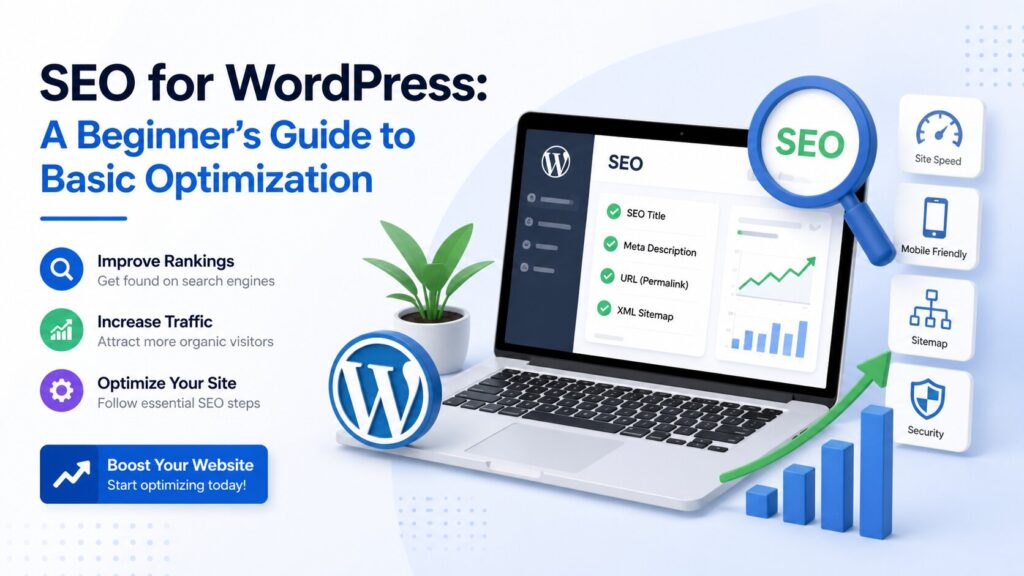
WordPress is one of the most SEO-friendly platforms available, but to get the best results, you need to apply some essential optimization techniques. This beginner’s guide will walk you through the fundamental steps to improve your WordPress website’s visibility in search engines and attract more organic traffic.
Why SEO Matters for WordPress Sites
SEO (Search Engine Optimization) helps your website rank higher in search results, making it easier for potential customers to find you. WordPress’s flexible structure allows you to implement SEO best practices efficiently.
Basic WordPress SEO Optimization Steps
1. Choose an SEO-Friendly Theme
Start with a lightweight, responsive theme that loads quickly and follows clean coding standards.
2. Install a Reliable SEO Plugin
Popular plugins like Yoast SEO or Rank Math help you manage titles, meta descriptions, XML sitemaps, and more.
3. Optimize Your URLs (Permalinks)
Use clear, keyword-rich URLs that are easy to read both by users and search engines.
4. Create Quality Content with Keywords
Produce valuable, relevant content incorporating your target keywords naturally.
5. Optimize Images
Use descriptive filenames and alt text, and compress images to improve load speed.
6. Improve Site Speed
Use caching plugins, optimize databases, and consider a Content Delivery Network (CDN).
7. Set Up XML Sitemaps and Robots.txt
Help search engines crawl and index your site effectively.
8. Enable Mobile-FriendlinessEnsure your site design is responsive and user-friendly on mobile devices.
Monitoring and Continuous Improvement
Use Google Analytics and Google Search Console to track your SEO progress and identify areas for improvement.
Need expert help with WordPress SEO? Contact our agency to optimize your website and boost your search rankings today!