Why Website Speed Matters More Than Ever
Website speed has become one of the most important factors for online success. In 2026, users expect websites to load almost instantly, while search engines reward fast, responsive websites with higher rankings.
A slow website doesn’t just frustrate visitors—it costs businesses leads, sales, and search visibility.
Research consistently shows that even a one-second delay in page load time can reduce conversions, increase bounce rates, and negatively impact user satisfaction.
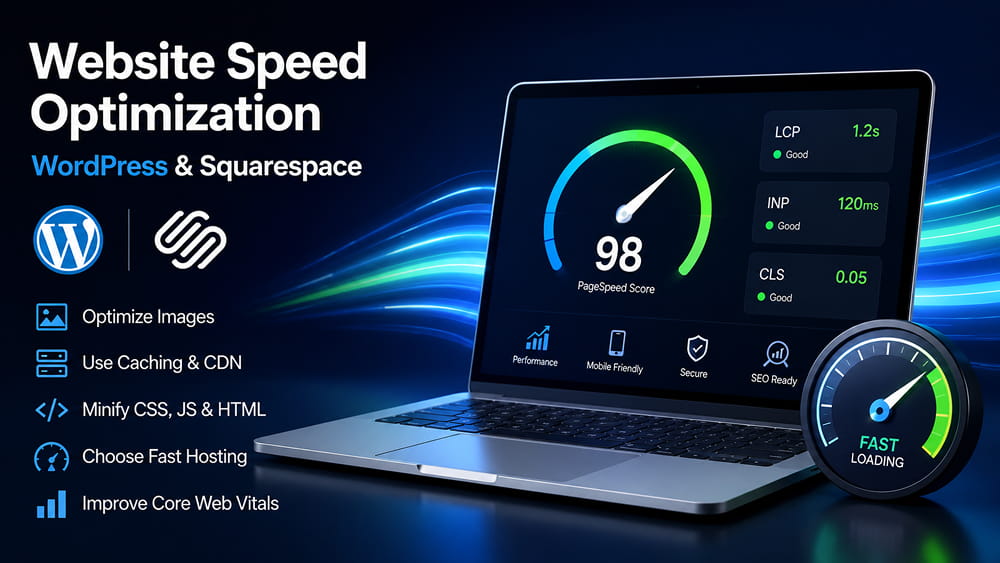
Whether your website is built with WordPress or Squarespace, optimizing its performance should be a top priority.
How Website Speed Affects Your Business
A fast website helps:
- Improve Google rankings
- Increase conversion rates
- Reduce bounce rates
- Improve Core Web Vitals
- Enhance user experience (UX)
- Increase customer trust
- Improve mobile performance
- Boost AI search visibility
Google evaluates website performance through Core Web Vitals, making speed optimization essential for SEO.
Common Reasons Websites Load Slowly
Regardless of platform, the most common performance issues include:
- Oversized images
- Too many third-party scripts
- Poor hosting infrastructure
- Unoptimized JavaScript and CSS
- Slow server response times
- Excessive animations
- Poor caching strategy
- Unnecessary plugins
Identifying these bottlenecks is the first step toward improving website performance.
WordPress Speed Optimization Best Practices
1. Choose High-Performance Hosting
Hosting is the foundation of website speed.
Look for providers that include:
- NVMe SSD storage
- Built-in caching
- CDN integration
- HTTP/3 support
- PHP 8.x
- Optimized server infrastructure
Managed WordPress hosting generally delivers better performance than shared hosting.
2. Use a Lightweight Theme
Many themes include unnecessary code that slows down websites.
Choose themes focused on performance, such as:
- Astra
- GeneratePress
- Kadence
- Block-based themes
A lightweight theme reduces page size and improves Core Web Vitals.
3. Optimize Images
Images are usually the largest files on a webpage.
Best practices include:
- Convert images to WebP or AVIF
- Compress images before uploading
- Use responsive image sizes
- Enable lazy loading
Proper image optimization often provides the largest speed improvements.
4. Enable Caching
Caching reduces server workload and delivers pages much faster.
Popular WordPress caching solutions include:
- WP Rocket
- LiteSpeed Cache
- FlyingPress
- W3 Total Cache
Caching significantly improves repeat visits and server response times.
5. Minify CSS, JavaScript & HTML
Removing unnecessary characters from your code reduces file sizes.
This includes:
- CSS minification
- JavaScript minification
- HTML optimization
- Removing unused CSS
Smaller files load faster across all devices.
6. Reduce Plugin Usage
Each plugin adds additional processing.
Regularly audit your plugins and remove:
- Unused plugins
- Duplicate functionality
- Poorly optimized extensions
Quality matters more than quantity.
7. Use a Content Delivery Network (CDN)
A CDN serves website files from servers closest to each visitor.
Benefits include:
- Faster global loading
- Lower latency
- Better reliability
- Improved SEO performance
Cloudflare remains one of the most popular CDN solutions.
Squarespace Speed Optimization Tips
Squarespace handles many performance optimizations automatically, but website owners can still improve loading speed.
Optimize Images Before Upload
Resize and compress images before uploading them.
Use modern formats whenever possible.
Limit Third-Party Code
Avoid adding unnecessary:
- tracking scripts
- popups
- chat widgets
- external embeds
Every additional script increases loading time.
Choose Performance-Friendly Templates
Modern Squarespace templates are generally optimized for performance.
Avoid unnecessary layout complexity and oversized media.
Minimize Heavy Animations
Animations should enhance user experience—not slow it down.
Keep transitions subtle and purposeful.
Review Performance Regularly
Monitor website speed after major updates or content changes.
Regular testing helps detect new performance issues before they affect users.
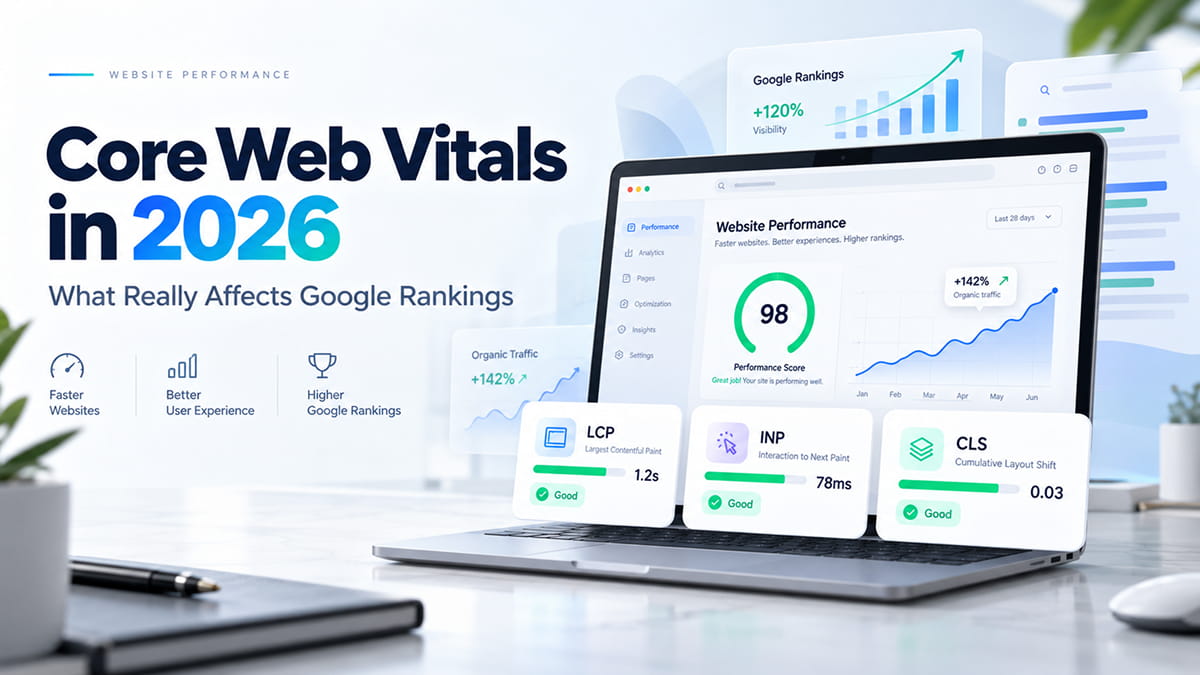
Understanding Core Web Vitals
Google evaluates website experience using three important metrics.
Largest Contentful Paint (LCP)
Measures loading performance.
Target:
Under 2.5 seconds.
Interaction to Next Paint (INP)
Measures responsiveness.
Lower response times create smoother interactions.
Cumulative Layout Shift (CLS)
Measures visual stability.
Pages should remain stable while loading without unexpected layout movement.
Optimizing these metrics improves both SEO and user experience.
Best Tools to Measure Website Speed
Several free tools help analyze website performance.
Recommended options:
- Google PageSpeed Insights
- GTmetrix
- WebPageTest
- Pingdom Website Speed Test
- Lighthouse (Chrome DevTools)
Run tests regularly to monitor improvements and identify bottlenecks.
Website Speed and SEO
Fast websites help search engines crawl pages more efficiently.
Performance optimization contributes to:
- Better indexing
- Improved rankings
- Higher crawl efficiency
- Better user engagement
- Increased organic traffic
Speed optimization is no longer optional—it’s an essential part of modern SEO.
Website Speed and AI Search
AI-powered search engines increasingly prioritize websites that provide excellent user experiences.
Fast-loading websites are more likely to:
- Be cited in AI-generated answers
- Improve crawl efficiency
- Deliver structured content faster
- Increase overall authority signals
Optimizing website performance supports both traditional SEO and emerging AI search platforms.
How Our Agency Optimizes Website Performance
We help businesses improve website performance through:
- WordPress speed optimization
- Squarespace performance optimization
- Core Web Vitals improvements
- Image optimization
- CDN implementation
- Advanced caching
- Technical SEO
- Performance monitoring
- UX optimization
Our goal is simple: build websites that load faster, rank higher, and convert more visitors into customers.
Frequently Asked Questions
Why is my WordPress website slow?
Common causes include poor hosting, oversized images, excessive plugins, unoptimized themes, and a lack of caching.
Is Squarespace faster than WordPress?
Squarespace includes built-in optimizations, while WordPress offers greater flexibility. Both platforms can achieve excellent performance when properly optimized.
What are Core Web Vitals?
Core Web Vitals are Google’s performance metrics that measure loading speed, responsiveness, and visual stability.
Does website speed affect SEO?
Yes. Website speed is an important ranking factor that influences user experience, search visibility, and conversion rates.
How often should I test website speed?
Monthly testing is recommended, especially after adding new content, plugins, or design changes.